
If you have forgotten your password, please select “Forgot Password?” on the PTS Login page
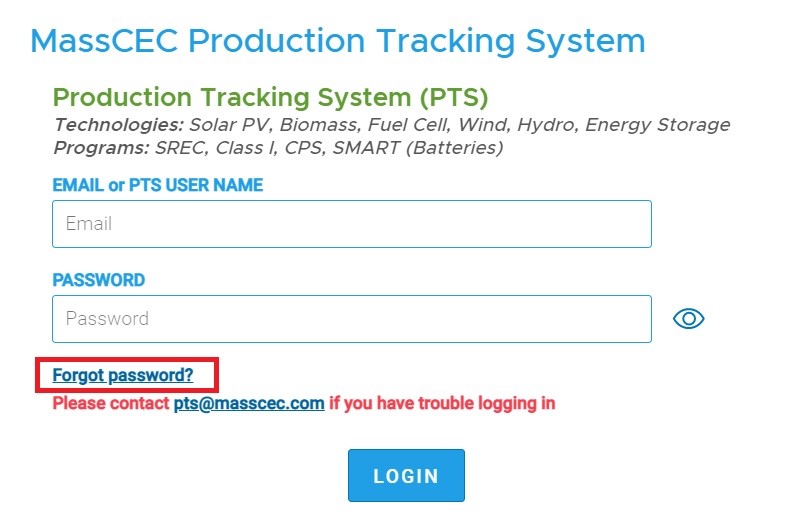
- Click the LOGIN button on the PTS home page.
- Click the link Forgot Password? below the password field.
- Enter the email address that you used with the account.
- Click the SUBMIT
- Check your email for the “MassCEC Password Reset Request” email.
- Click the Reset Password button or link.
- The page to Enter a new password will open in your web browser.
- Enter your new password twice.
- Click Submit.
Comments
0 comments
Article is closed for comments.